

LinkedIn Headshot Examples That Get You Noticed
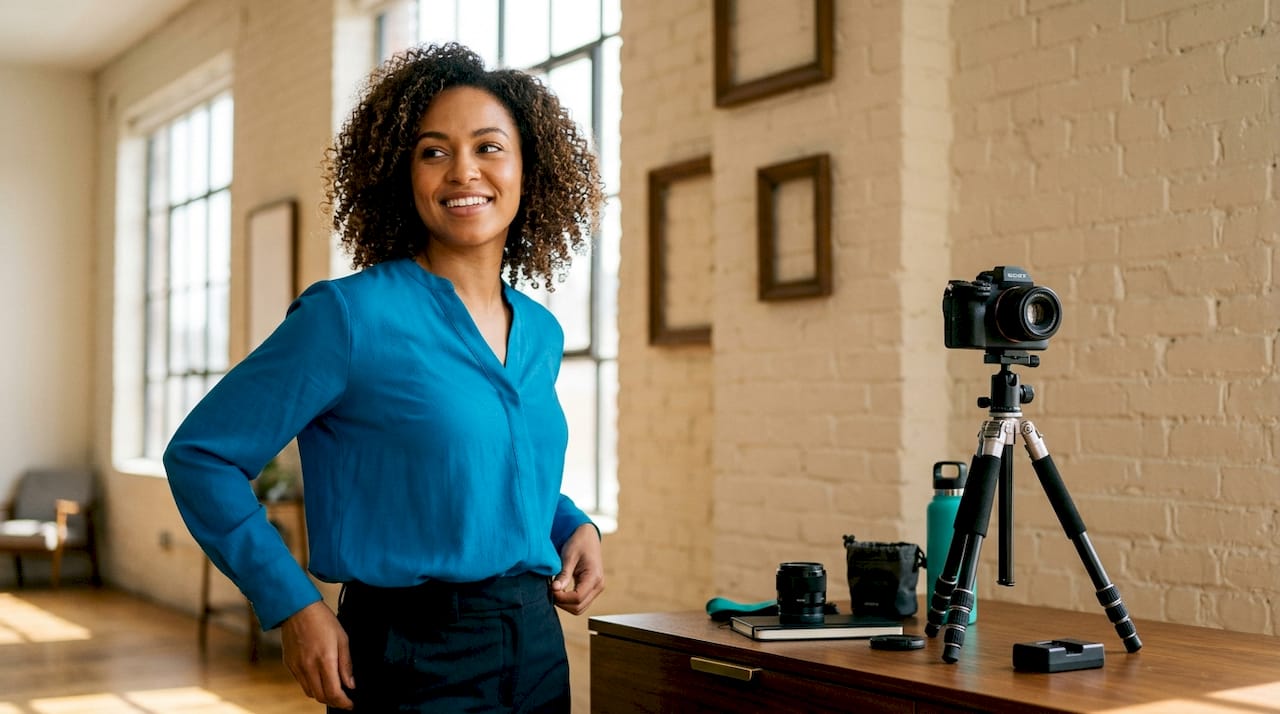
A professional headshot is defined as a portrait photograph where the face fills the majority of the frame, shot specifically to represent your professional identity. The best LinkedIn headshot examples share three qualities: clean framing, role-appropriate styling, and an expression that signals trustworthiness. Profiles with a photo receive 21 times more views than those without. That single statistic makes your profile photo the highest-return investment you can make on LinkedIn. A first impression forms in 0.4 seconds, which means your photo does the talking before your headline does.
1. LinkedIn headshot examples by style: eight profiles that work
The most effective LinkedIn profile photo examples fall into eight distinct styles. Each style serves a different professional goal, and choosing the wrong one for your role can undercut your credibility before a recruiter reads a single word.
-
Solid-background studio headshot. This is the universal default and the safest choice for any industry. A white, gray, or light-toned background keeps all attention on your face. Finance professionals, attorneys, and corporate executives rely on this style because it signals formality and focus. The absence of visual noise makes it the easiest photo to pair with any LinkedIn banner.
-
Branded background headshot. Professionals with an established personal brand use a background color or texture that matches their brand palette. A marketing consultant whose website uses deep navy blue, for example, might shoot against a navy backdrop. This creates instant visual consistency across every platform where their photo appears.
-
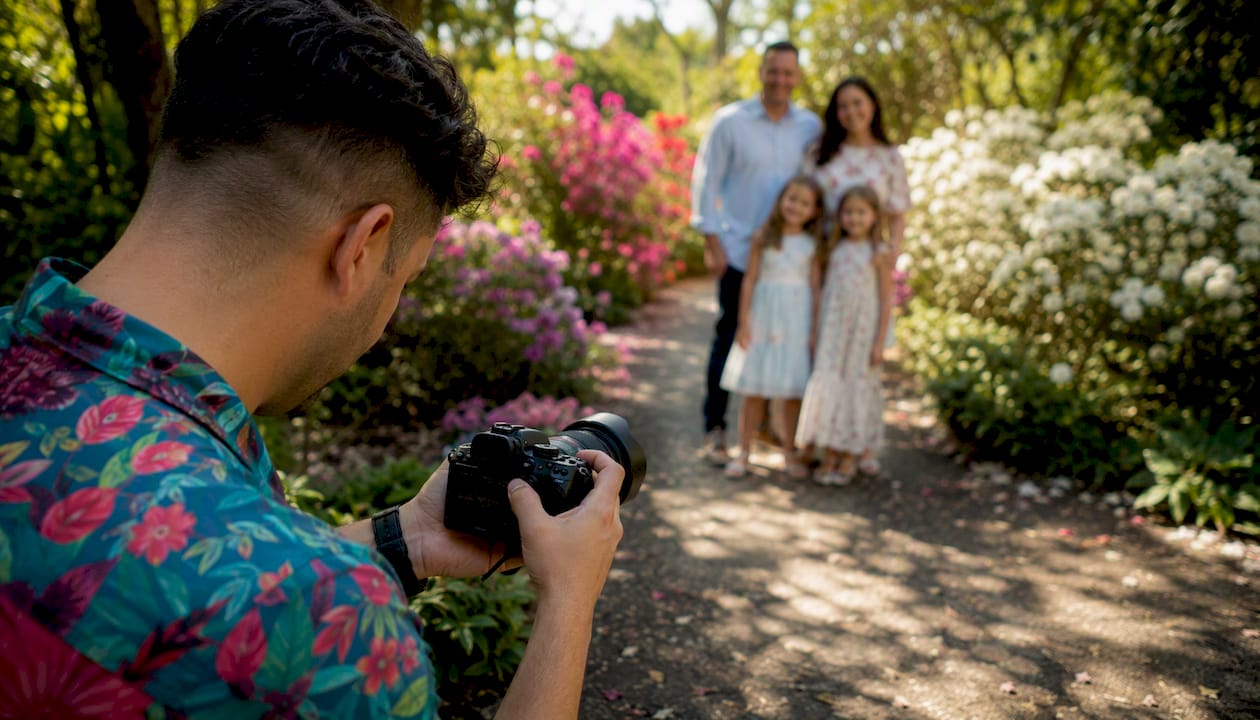
Lifestyle or behind-the-scenes headshot. Coaches, consultants, and founders often benefit from a photo taken in a natural work setting, such as a coffee meeting, a co-working space, or an outdoor environment. These photos signal approachability and authenticity. They work best when the background is blurred enough to keep the face sharp and dominant.
-
Industry-contextual headshot. A surgeon photographed in scrubs, an architect in front of a building site, or a chef in a kitchen all use context to signal expertise instantly. Role-specific context improves engagement because it removes ambiguity about what you do. This style is most powerful for niche professionals where the visual context is immediately recognizable.
-
Approachable smiling headshot. Sales professionals, recruiters, HR leaders, and anyone in a relationship-centric role benefit most from a warm, open smile. The key is that the smile must look natural. Authentic, engaged expressions draw more attention and convey trustworthiness than forced or stiff poses.
-
Dynamic or movement-based portrait. A photo taken mid-gesture, mid-laugh, or during a natural activity creates energy that static poses cannot. This style suits startup founders, speakers, and professionals in creative or media industries. It signals confidence and personality without sacrificing professionalism.
-
Personal brand signature style. Visible entrepreneurs and thought leaders often develop a signature look: a specific color of clothing, a consistent background, or a recurring prop. This style makes their photo instantly recognizable across LinkedIn, Instagram, and speaking bios. Consistency is the point.
-
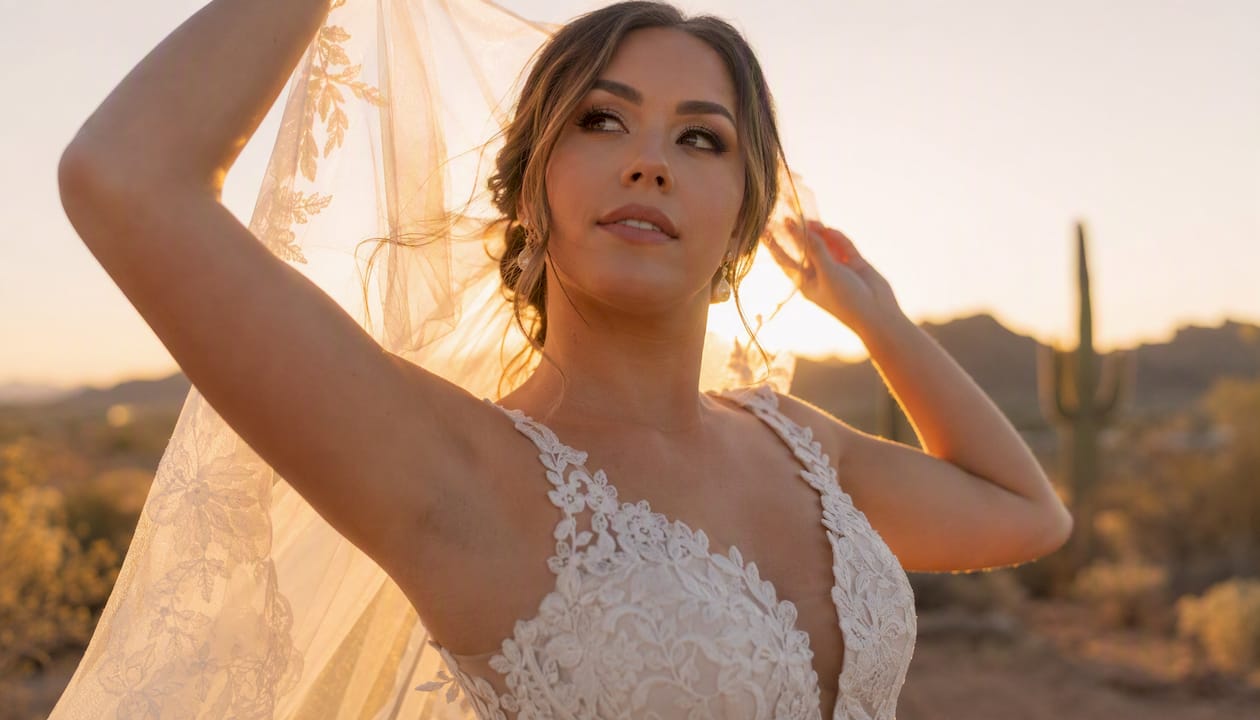
Stylized or composite portrait. Graphic designers, photographers, art directors, and senior executives sometimes use a more artistically composed portrait. This might involve dramatic lighting, a textured background, or a carefully styled environment. The risk is that it can feel dated quickly, so the styling must be restrained.
Pro Tip: Shoot all eight styles in a single session and test each one as your profile photo for two weeks. Track which version generates the most connection requests and profile views, then commit to that style.
2. What technical elements make a LinkedIn headshot effective?
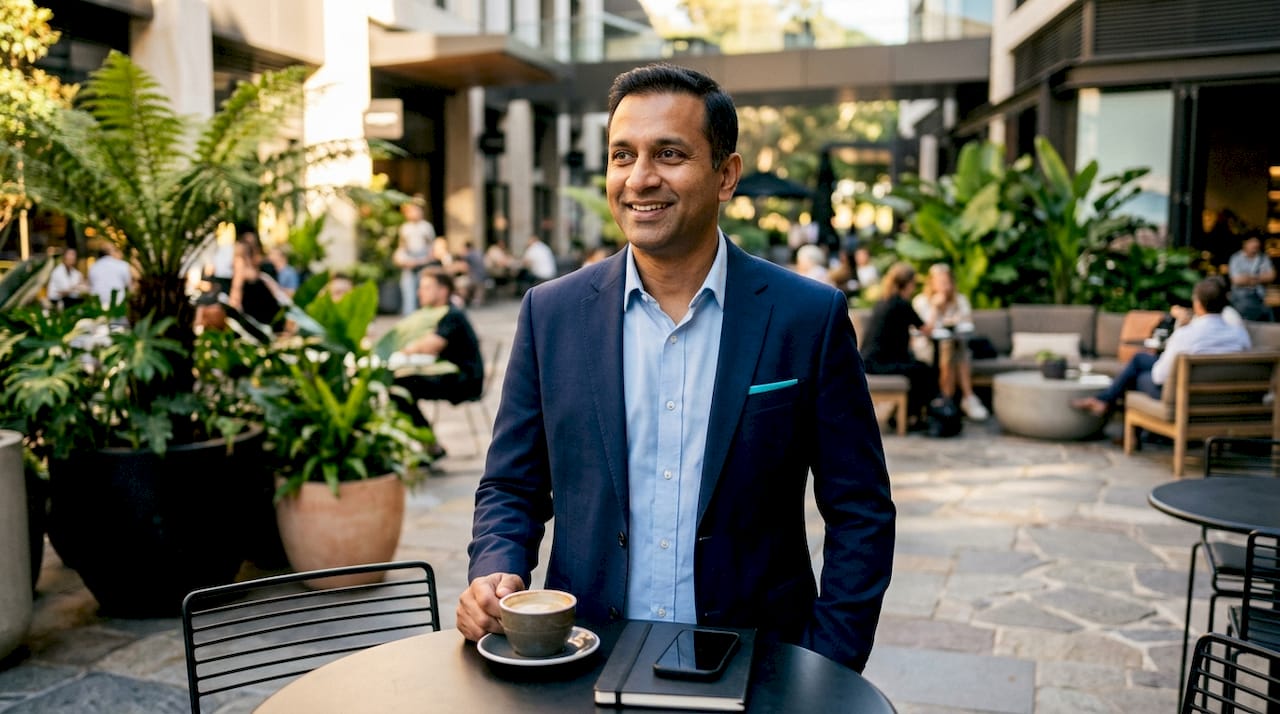
Technical quality separates a professional headshot from a casual photo. The composition rules below apply whether you are shooting with a DSLR camera or a modern smartphone.
Framing and face proportion
Your face should fill roughly 60% of the frame. Anything less and your photo becomes a thumbnail of a person standing in a room. On mobile, where most LinkedIn browsing happens, a small face reads as an indistinct blur. Eyes positioned in the upper third of the frame create a natural focal point and pass the “squint test.” The squint test means closing your eyes slightly and checking whether the face is still the clearest element in the photo. If it is not, the framing needs adjustment.
Lighting
Soft, front-facing natural light is the most forgiving and most professional option. Position yourself facing a large window and shoot with the light source directly in front of you, not behind you. Avoid overhead lighting, which creates harsh shadows under the eyes and nose. Diffused light, whether from a window on an overcast day or a softbox, produces even skin tones and reduces the need for heavy editing.
Expression and posture
Relax your shoulders before every shot. Tension in the shoulders translates directly into a stiff, uncomfortable expression. A relaxed posture combined with an engaged expression improves perceived professionalism. Think about a specific person you enjoy talking to, and let that thought land on your face naturally.
Smartphone and AI options
DIY headshots with a smartphone are achievable with natural light and a simple background. AI-generated photos require 5–90 minutes of processing time and can serve as a useful draft, but always verify that the result looks like you and not a polished version of a stranger. Traditional shoots with a photographer provide coaching and produce the most authentic results, though they require scheduling in advance.
Pro Tip: Before your shoot, check your LinkedIn banner. Busy banners need neutral headshot backgrounds; minimal banners allow more textured or colorful headshot backgrounds. Matching the two creates a cohesive profile that looks intentional.
3. How to tailor your headshot to your industry
Role-specific headshot styling increases profile engagement and recruitment success. The style that works for a startup engineer will not work for a partner at a law firm, and vice versa.
-
Finance and legal. Formal suits in navy, charcoal, or black against a neutral gray or white background. Minimal jewelry. Hair neat and controlled. The goal is to signal authority and reliability without any visual distraction.
-
Technology and startups. Smart casual works well here. An open-collar shirt or a clean crew-neck sweater against a light background reads as approachable and modern. Avoid ties unless your specific role demands them. A slight smile signals collaboration.
-
Creative and marketing. This is the one sector where personality in the photo is an asset. A textured background, a bold color in your clothing, or a slightly more expressive pose all communicate that you think visually. Keep it controlled enough that the photo still reads as professional at thumbnail size.
-
Healthcare. Crisp, clean attire in white, blue, or soft tones signals competence and hygiene. A neutral background keeps the focus on your face. Avoid busy patterns. The expression should be warm but calm, not overly casual.
-
Consulting and professional services. Polished but approachable is the target. A well-fitted blazer over a simple shirt, a confident but relaxed expression, and a clean background all communicate that you are both credible and easy to work with.
-
Seniority considerations. Junior professionals benefit from approachable, energetic expressions. Senior leaders and executives benefit from a slightly more composed, authoritative pose. The difference is subtle but noticeable. A fractional CFO, for example, benefits from a neutral studio shot that signals gravitas, while a junior account manager benefits from a warmer, more open expression.
4. Common mistakes and how to avoid them
Most LinkedIn photo mistakes fall into a small number of predictable categories. Knowing them in advance saves you from a reshoot.
-
Trendy poses and edits. Timeless looks are the gold standard for professional headshots. Overly stylized edits, dramatic filters, or poses that reference a current social media trend will date your photo within months. Choose a style you would be comfortable with in three years.
-
Ignoring the squint test. Many LinkedIn interactions happen on small mobile screens. If your face is not the clearest element in the photo at thumbnail size, you are losing the first impression before it forms.
-
Mismatched banner and headshot. A busy, colorful banner paired with a busy, colorful headshot creates visual chaos on your profile. Linking headshot style with your LinkedIn banner prevents visual clash and creates cohesive professional branding.
-
Not taking enough shots. Taking multiple shots with small variations in pose and expression is the most reliable way to find an authentic final image. Plan for at least 50 frames per session. You will likely choose from the last 20.
-
Over-editing. Heavy retouching that removes all skin texture makes a photo look artificial. Light retouching that removes temporary blemishes while preserving natural features is the correct approach. Learn more about headshot retouching standards before approving any edited images.
“Your headshot should represent the best version of yourself on a productive workday, not a version of yourself that no longer exists or never did.”
Pro Tip: Send your final headshot to three colleagues and ask them one question: “Does this look like me on a good day?” If two of the three say no, reshoot.
Key takeaways
The most effective LinkedIn headshots combine role-appropriate styling, clean framing, and an authentic expression to maximize profile views and professional credibility.
| Point | Details |
|---|---|
| Face fills 60% of the frame | Small faces disappear on mobile thumbnails; keep the face large and centered. |
| Match style to your industry | Finance needs formal; tech needs approachable; creative needs personality. |
| Pair headshot with your banner | Busy banners need neutral headshots; minimal banners allow more visual texture. |
| Shoot multiple variations | Take at least 50 frames and select from the final 20 for the most natural result. |
| Timeless beats trendy | Choose a style you will still be comfortable with in three years. |
What I have learned from watching headshots change careers
I have photographed professionals across finance, healthcare, tech, and the arts, and the pattern is consistent. The people who treat their headshot as an afterthought are the same people who wonder why their profile gets no traction. The people who invest time in planning their shot, choosing the right style for their role, and working with a photographer who gives them real direction, those are the people who come back and tell me their inbox changed.
The most common mistake I see is not a technical one. It is a mismatch between who someone is professionally and what their photo communicates. A senior VP of operations with a casual, slightly blurry selfie loses credibility before the conversation starts. A junior designer with a stiff, corporate studio shot looks like they are pretending to be someone they are not.
The second thing I have learned is that the brief matters as much as the shoot itself. Professionals who arrive with a clear sense of their industry, their target audience, and the impression they want to create get better photos. A well-prepared headshot brief cuts session time in half and doubles the quality of the final selection. If you are working with a photographer, send them your LinkedIn profile, three examples of headshots you admire, and a one-sentence description of the impression you want to create.
Finally, update your headshot every two to three years, or sooner if your role, industry, or appearance changes significantly. A photo that no longer looks like you is worse than no photo at all.
— Justin
Professional headshots that work for your LinkedIn profile
Your LinkedIn profile photo is one of the first things a recruiter, client, or collaborator sees. Getting it right takes more than good lighting and a clean background. It takes experience, direction, and an eye for what reads well on screen.
At JFPhotos, we specialize in portrait photography in Phoenix, AZ that is tailored to your professional goals. Our sessions are designed to produce headshots that feel authentic, look polished, and perform well on LinkedIn and beyond. Whether you need a classic studio portrait or an on-location shoot that reflects your personal brand, we build the session around you. Our photography services include professional editing with quick turnaround, so your profile is updated without delay. Book a session with Jf and arrive with a clear brief. Leave with a headshot that represents you at your best.
FAQ
How many photos should I take in a LinkedIn headshot session?
Take at least 50 frames per session and expect to choose from the final 20. Small variations in expression and pose across multiple shots give you the best chance of finding a natural, authentic result.
What is the squint test for LinkedIn photos?
The squint test means slightly closing your eyes and checking whether your face is still the clearest element in the photo. If it is not, your framing or background is too complex for mobile viewing.
How often should I update my LinkedIn headshot?
Update your headshot every two to three years, or sooner if your role, industry, or appearance changes noticeably. A photo that no longer looks like you reduces trust rather than building it.
Does my LinkedIn headshot background matter?
Yes. Your background should complement your LinkedIn banner. Busy banners require neutral headshot backgrounds, while minimal banners allow more textured or colorful options. Mismatched combinations create visual clutter that distracts from your face.
Can I use an AI-generated photo as my LinkedIn headshot?
AI-generated photos can serve as a useful starting point, but verify that the result genuinely resembles you before publishing. Traditional shoots with a photographer provide coaching and produce more authentic, credible results.
Recommended
Recent Posts